 Capo
CapoHow to slow down a YouTube video without changing the pitch
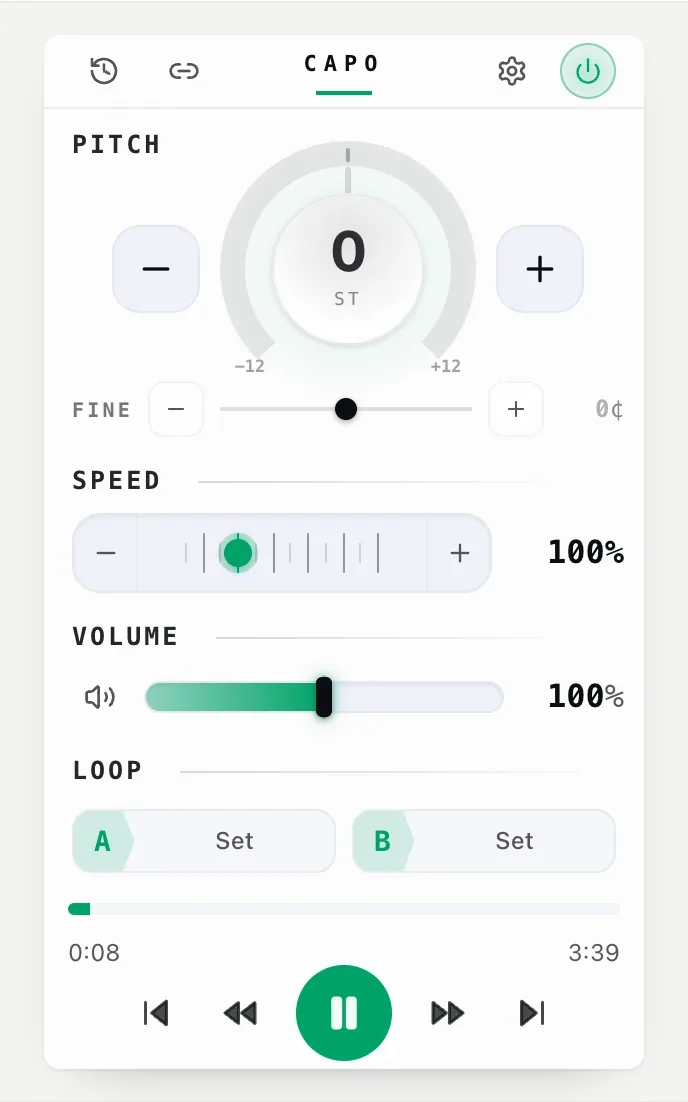
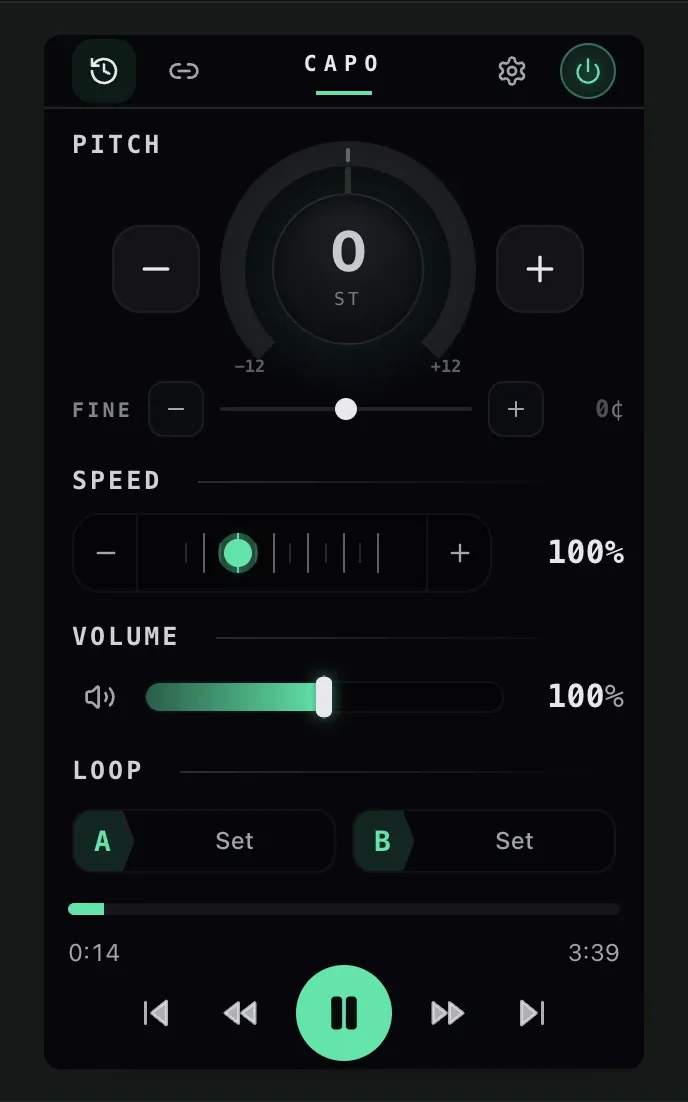
Play the video, open Capo, and pull the Speed control down. It runs from 0.25× to 3× and moves continuously, so you can sit at 0.62× rather than choosing between 0.5× and 0.75×. The pitch does not follow, so a slowed guitar solo stays in its original key.
- Press play, then open Capo.
- Pull Speed down. 0.25× is the floor.
- Add an A–B loop if you are drilling one passage.
YouTube’s speed menu stops at 0.25× and drops the pitch on the way down, which is exactly wrong for learning a part: the notes you are trying to hear are now in a different key from your instrument.
Pull the speed down
| Speed | What it is for | Notes |
|---|---|---|
| 0.9× | Taking the edge off a fast talker | Effectively transparent |
| 0.6–0.8× | Learning a part by ear | The useful window |
| 0.4–0.6× | Picking apart a fast run | Slight smear on cymbals |
| 0.25× | Identifying one specific event | The pulse is gone at this range |
The instinct is to go straight to the floor. Between 0.6× and 0.8× is where most learning actually happens, for reasons set out in the bar you keep missing.
Why it stays in tune
Because speed and pitch are separate operations, not one dial with two effects. Slowing a tape drops the pitch because you are playing the same waveform more slowly; keeping the pitch fixed means rebuilding the sound from short grains. The full account, with a demo you can hear, is in why slowed audio sounds underwater.
Loop the hard part
- Set A at the start of the phraseAnd B at the end. Type the values if you know them.
- Check the count-inSettings › Audio & playback, 3 s by default. A loop with no gap is unplayable to practise against.
- Narrow it until it failsThe fault is usually one beat, not one bar.
Slow it down. Keep the key.
0.25× to 3× on any HTML5 video · freeThe floor, and why
It will not produce a slowed file — the change happens during playback. It will not rescue a recording that is already distorted, and below 0.25× nothing useful survives on any engine, which is why that is the floor.
Вопросы
How do I slow down a YouTube video without changing the pitch?
Why does slowed audio sometimes sound watery?
What is the slowest it goes?
Can I loop a section while it is slowed?
Читать дальше
The bar you keep missing is usually one beat
Looping a whole phrase means drilling the part you can already play. Narrow it until it fails again and the fault is a second long.
Why slowed audio sounds underwater
Slowing a tape drops the pitch. Holding the pitch steady is a harder trick, and the artefacts it leaves have a cause.

How to change the pitch of a YouTube video
Shift any video up or down in semitones without touching the speed, on the player you already use. Free, and nothing is uploaded.