 Capo
CapoCapo free vs Pro: what you keep after you close the tab
The free toolbar controls cover pitch, fine tuning, speed, volume and A-B looping, with no account and no time limit. Capo Pro adds a side panel with an equalizer, effects, a speed trainer, markers and saved clips. Most people practising a part never need it.
- Free: pitch, fine, speed, volume, looping.
- Pro: equalizer, effects, trainer, markers, clips.
- Clips are the real dividing line.
Plenty of extensions describe a crippled version as free. This sets out the actual split so you can decide without installing anything.
Key takeaways
- Free covers every control needed to slow, transpose and loop a track.
- Pro adds tone shaping, effects, and anything that saves state.
- If you practise the same passages repeatedly, clips are what you are paying for.
What is free
That set covers working a song out by ear and drilling a difficult bar completely.
What Pro adds
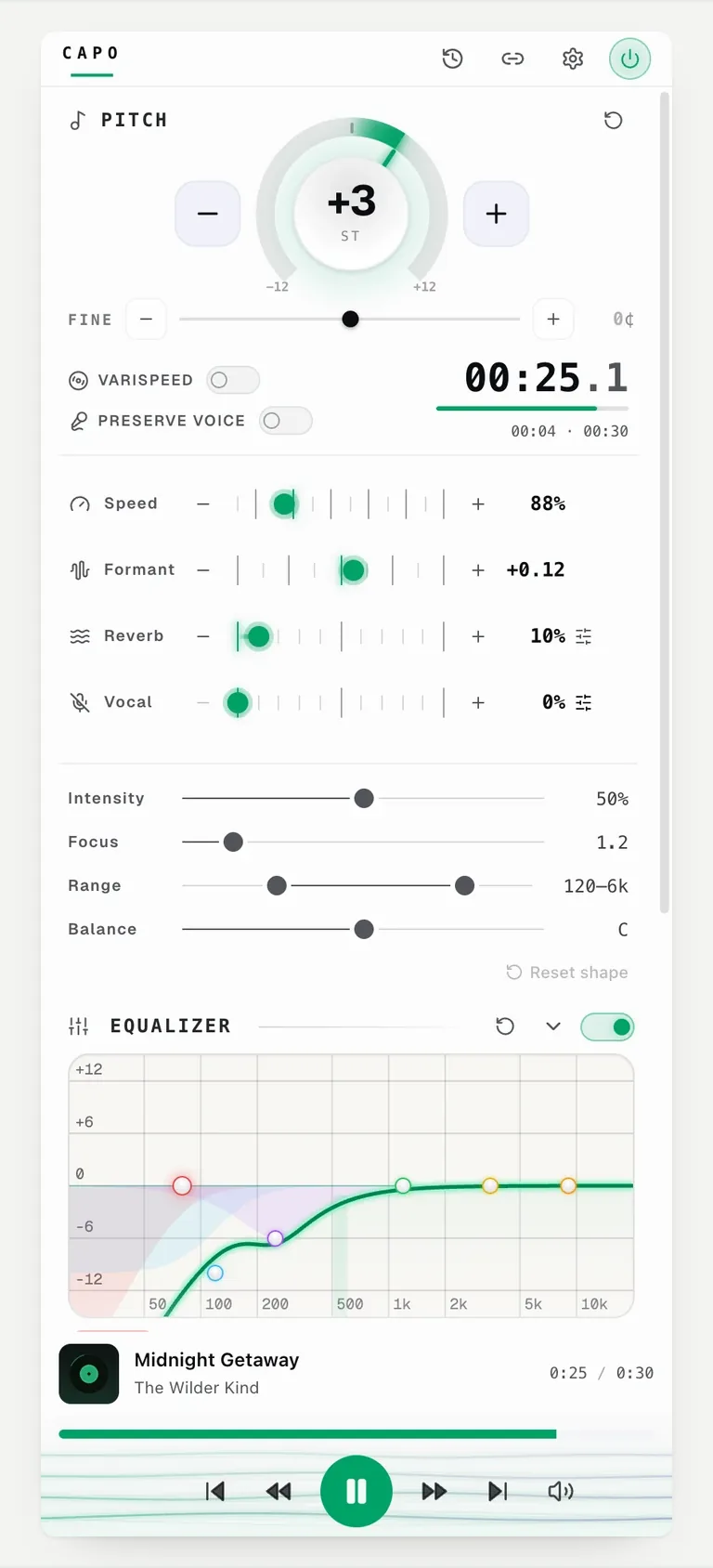
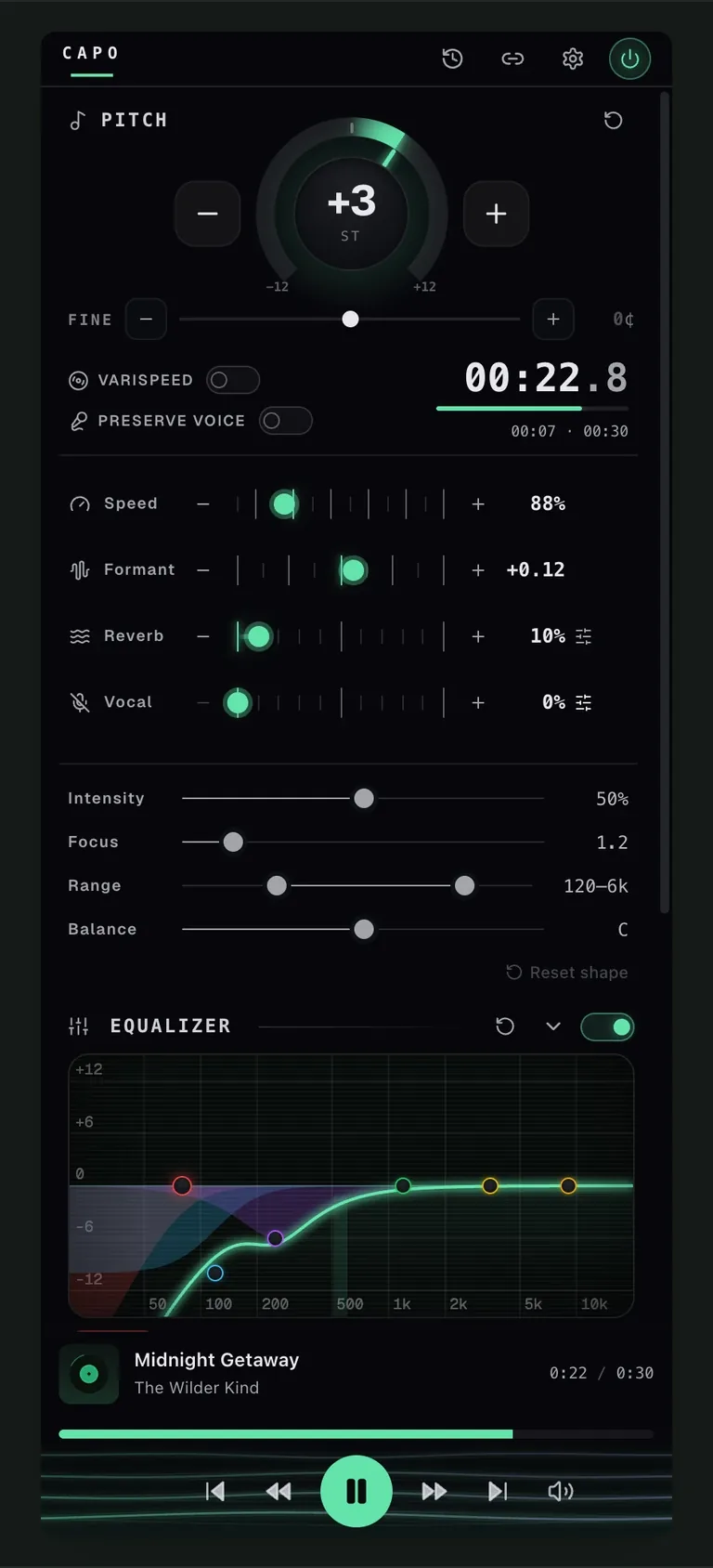
| Feature | What it is for |
|---|---|
| Six-band equalizer | Tone, mostly headphone correction |
| Vocal reducer | Centre-channel reduction |
| Formant | Keeping a transposed voice human |
| Varispeed and reverb | Slowed and reverb |
| Reference tuning | Matching A = 432 and others |
| Speed trainer | Climbing tempo automatically |
| Markers and clips | Saving passages between sessions |
Alles, in voller Lautstärke.
- Der Capo Workspace — die volle Steuerzentrale im Seitenpanel
- Clips und Marker, mit Notizen pro Track
- Tempo-Trainer für schrittweises Üben
- Studio-Equalizer und Reverb
- Stimme bewahren — natürliche Vocals bei jeder Tonhöhe
Checkout is handled by Paddle, and prices show in your local currency.
Why clips are the real difference
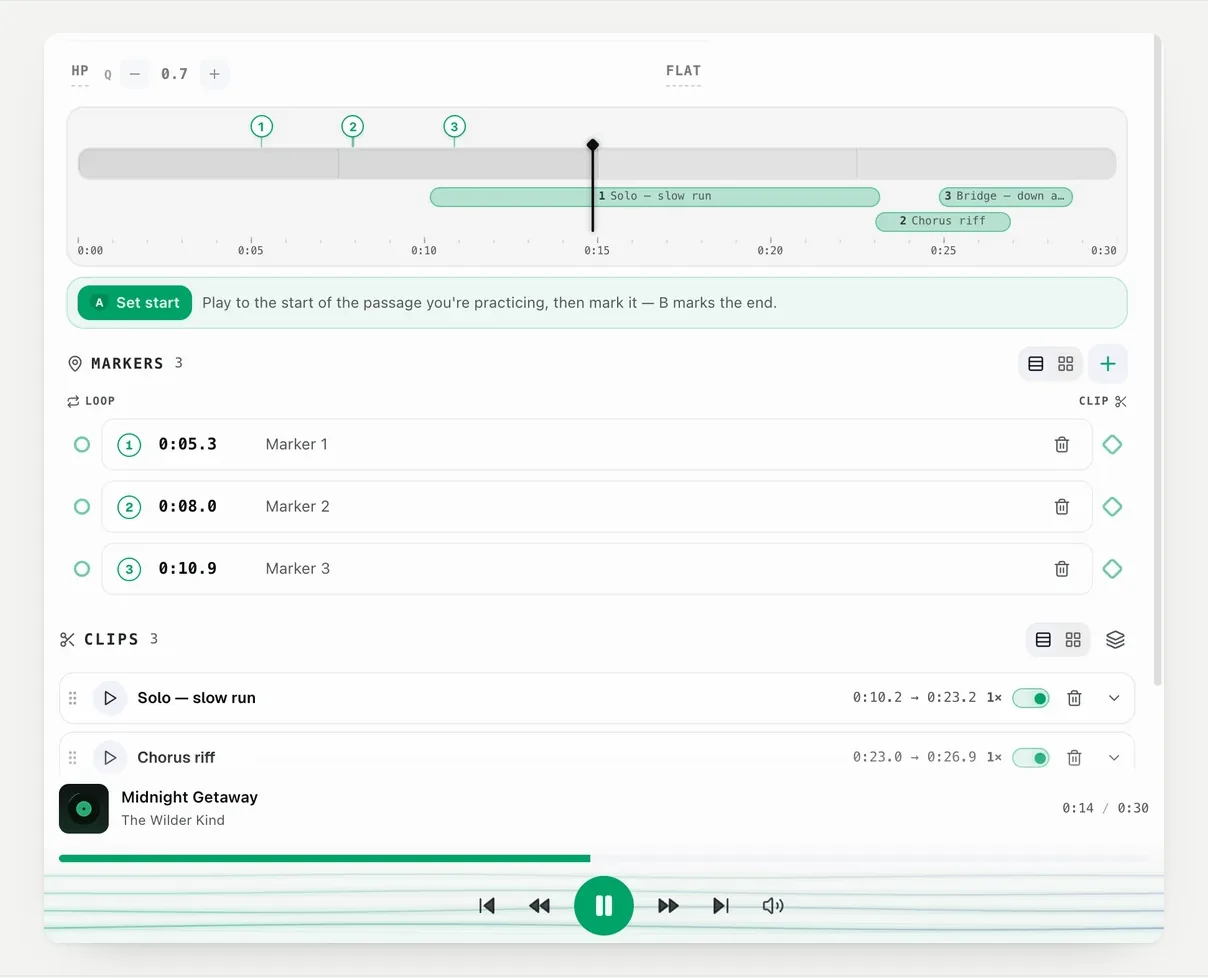
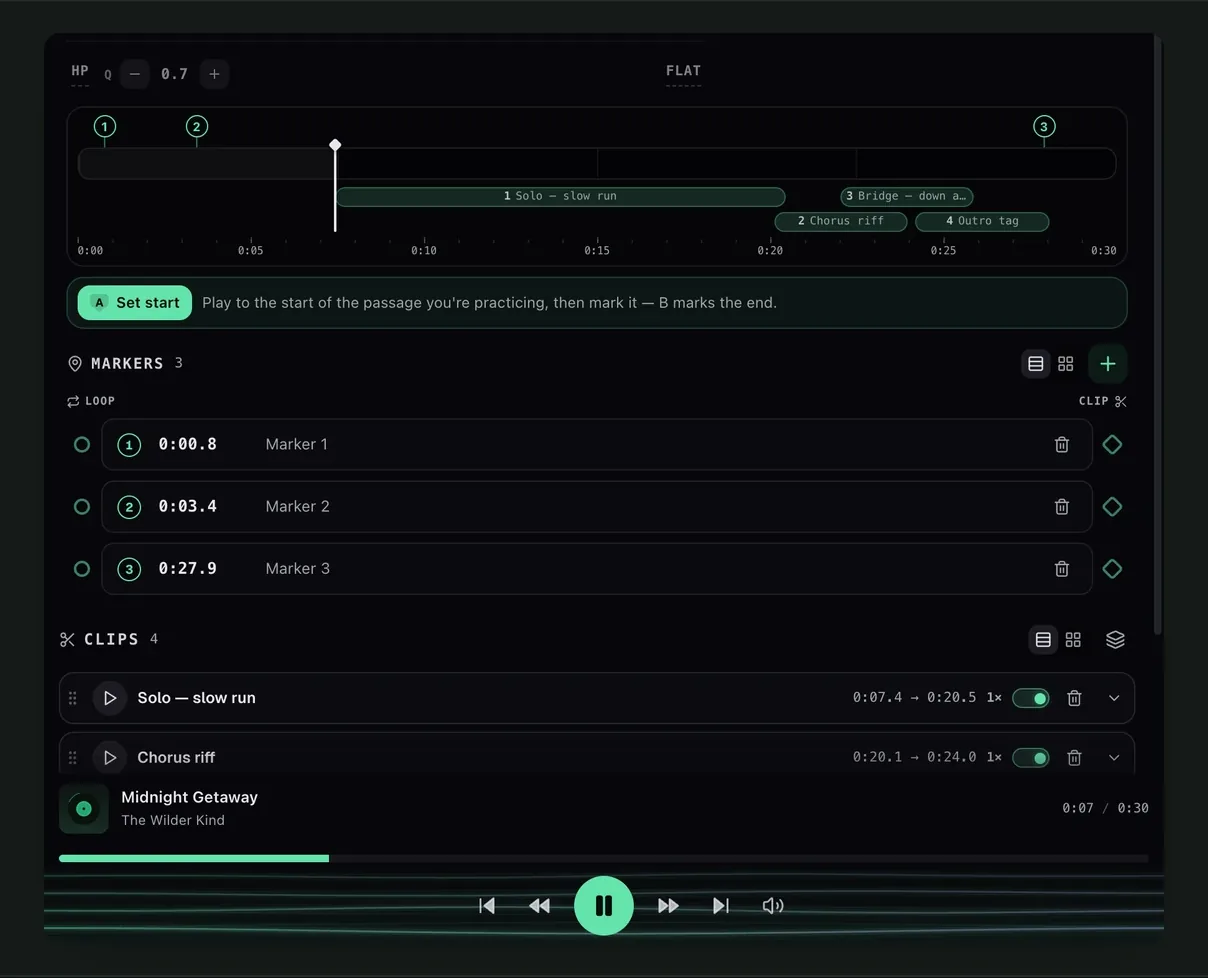
Every other Pro feature changes how a track sounds now. Clips change what happens tomorrow.
A saved clip keeps its own pitch, speed and effects, so a practice list survives closing the tab. Without them, every session starts by finding the passage again.
Who actually needs Pro
Start with the free controls. The moment worth watching for is setting up the same loop, at the same speed, for a third day running — that repetition is the thing Pro removes, because the settings come back with the track instead of being rebuilt each time.
If you are weighing Capo against the alternative, the technical comparison with Transpose covers how both products draw the same line.
Fragen
Is the free version time-limited?
What is the single biggest reason to upgrade?
What happens if my subscription lapses?
Weiterlesen
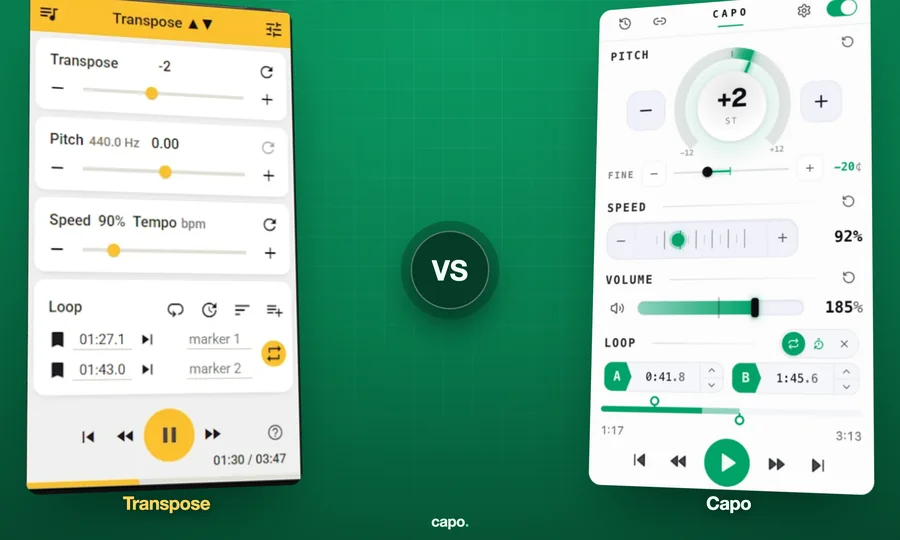
Capo vs Transpose: what is different
How the two differ in DSP engine, pitch resolution, formant handling and filtering. Written by one of the two vendors.
How to change pitch, speed and volume in your browser
A tour of every free control in Capo: the pitch dial, fine tuning, speed, volume and the A-B loop, with what each one is for.
How to use an equalizer on YouTube (bass, mud and harshness)
Bass boost is why most people arrive. The equalizer does more, and muddy-sounding tracks are usually a headphone problem.