 Capo
CapoHow to transpose a song to fit your vocal range

If a song sits above your range, lower the recording until the highest phrase is comfortable, then check the lowest phrase has not fallen out of the bottom. Four semitones is a common answer. The catch is that shifting a voice down also shifts its resonances, and that is what makes naive transposition sound like a cartoon.
- Find the highest phrase. Lower until you can sing it twice.
- Check the lowest phrase still has support.
- Correct the voice character with Formant.
The usual mistake is to transpose by whatever makes the first line comfortable. The first line is almost never the problem. Choruses are, and a key set from a verse will fail you two minutes in.
Set the key from the hardest phrase
- Find the highest sustained noteUsually the last chorus. Loop four bars around it.
- Lower until you can sing it twice in a rowTwice matters. Once is adrenaline; twice is your range.
- Now check the lowest phraseIf it has gone breathy and unsupported you have moved too far. Split the difference and accept a slightly harder chorus.
- Fine tune if you land betweenCents, up to ±50. Some voices genuinely sit between two semitones.
Four semitones down is the most common landing place for a male voice on a song written for a female one, and the reverse going up. It is not a rule, but at eleven semitones check you have not transposed into the wrong octave.
The part that actually needs care
Shift a voice down four semitones and something sounds wrong beyond the pitch. The singer sounds larger, slower, faintly synthetic. That is not imagination and not a fault in the shifter.
A voice has two things going on: the pitch of the vocal folds, and a set of resonances created by the size and shape of the throat and mouth. Those resonances are formants, and they are what makes a voice sound like a person of a particular size. When a real singer goes up, their formants barely move — their head is the same size. A naive shift moves everything together, so the ear hears a body that changed size and reads it as artificial.
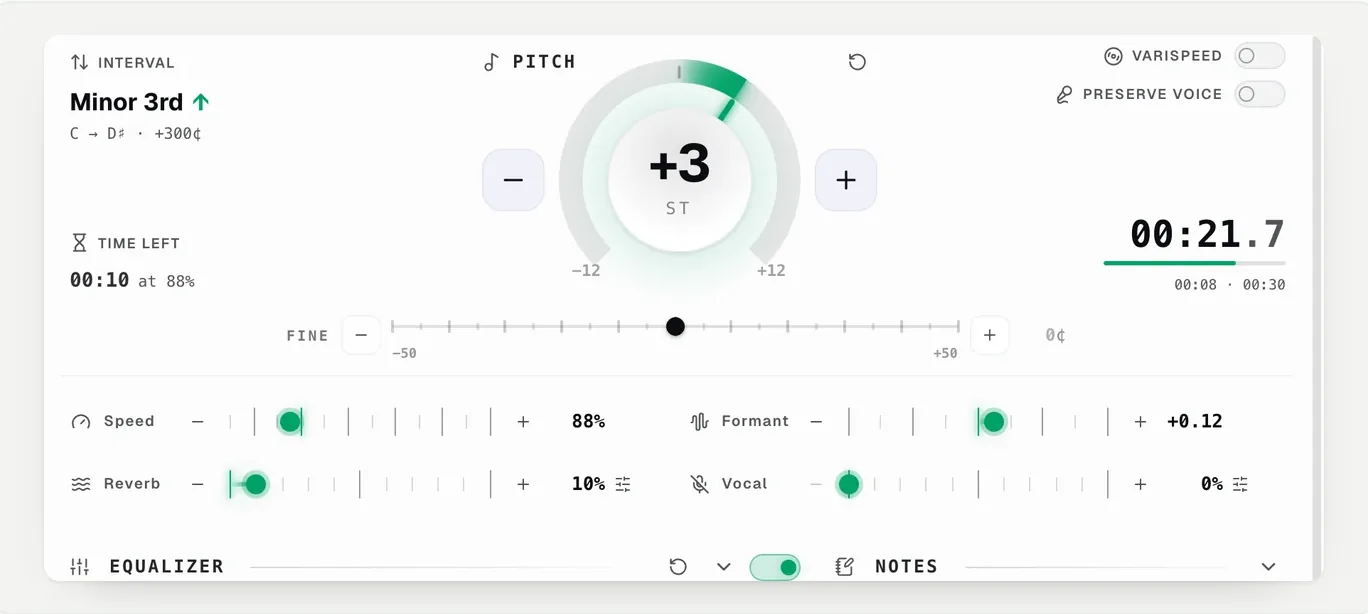
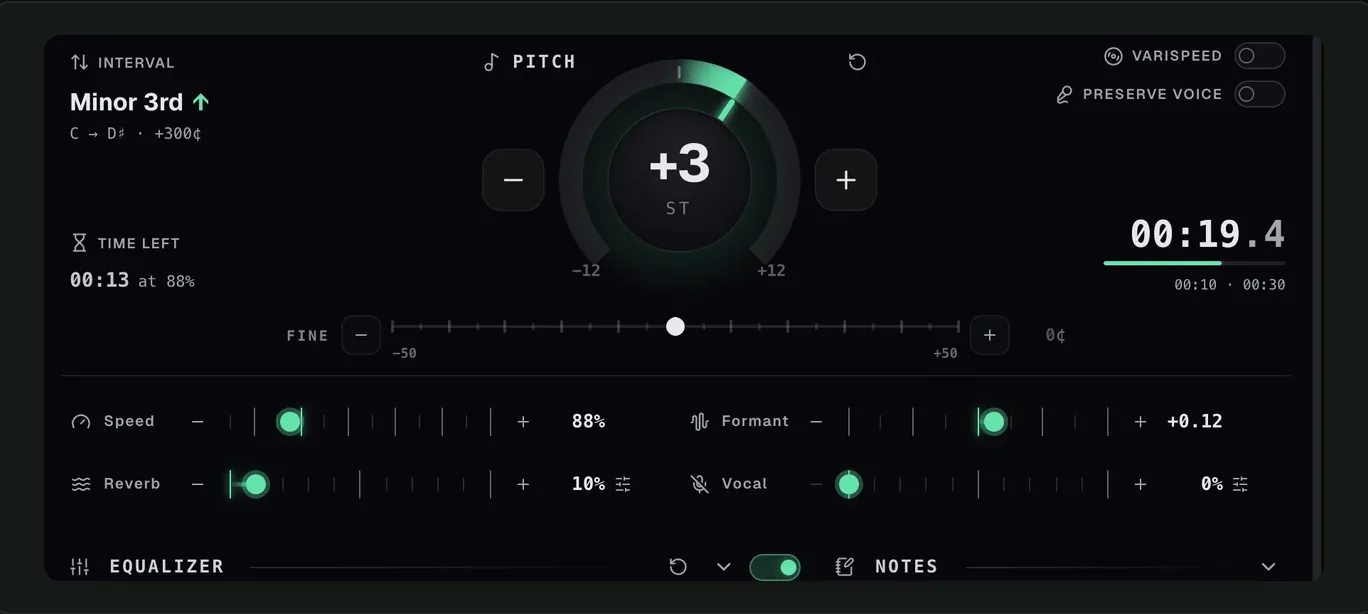
The Formant control moves the resonances back independently of pitch. The scale runs −1 to +1 and full scale is a whole octave, so useful values are small: about +0.2 for four semitones down, and negative by a similar amount going up. Past roughly ±0.4 it stops sounding like a corrected voice and starts sounding like an effect.
The full explanation is in why slowed audio sounds underwater, which is the same phenomenon from the other side.
Your range. Still your voice.
Formant control is part of Capo Pro · 7-day free trialPractising against it
Once the key is right, the backing is only useful if you can repeat the hard phrase. Loop the chorus and sing it ten times rather than singing the whole song twice. The reasoning is the same as for players: attempts per minute is what moves the needle.
It will not extend your range
It will not extend your range. Transposing puts a song where your voice already works; it does not add notes at the top. If a song needs six semitones before the chorus is comfortable and the verses are then unsupported, that song may not be for your voice this year.
It will not remove the original singer either. For backing without the lead, see pulling the lead vocal down.
أسئلة
How many semitones should I move it?
Why does the transposed voice sound artificial?
What Formant value should I use?
Why is Formant greyed out?
تابِع القراءة

How to learn a song by ear without naming a single note
You do not need perfect pitch or theory. You need a slow loop, one string, and a way of asking the recording yes-or-no questions.
Why slowed audio sounds underwater
Slowing a tape drops the pitch. Holding the pitch steady is a harder trick, and the artefacts it leaves have a cause.
How to remove vocals from a song in your browser
Pull the lead vocal down on whatever is already playing, and know in advance which songs will give way and which will not.