 Capo
CapoHow to make a slowed and reverb version of any song
Slowed and reverb needs the pitch to fall with the speed, which is varispeed rather than the normal speed control. Capo Pro exposes varispeed separately, plus a reverb with size and predelay. Everything plays live from the source, so there is no file to export.
- Switch on varispeed, not the normal speed control.
- Pull it to about 0.85×.
- Add reverb around 2.5 s with a short predelay.
The normal speed control keeps the pitch fixed, which is wrong for this effect. The whole point is that the track sinks.
Varispeed drops pitch and speed together, exactly as tape does. That relationship is explained in why slowed audio sounds underwater.
Key takeaways
- Use varispeed, not the standard speed control.
- 0.80× to 0.90× is the usual range. Below 0.75× it stops being musical.
- Reverb size 2–3 s, predelay 30–50 ms.
- Nothing is exported. The effect exists during playback.
How to turn on varispeed
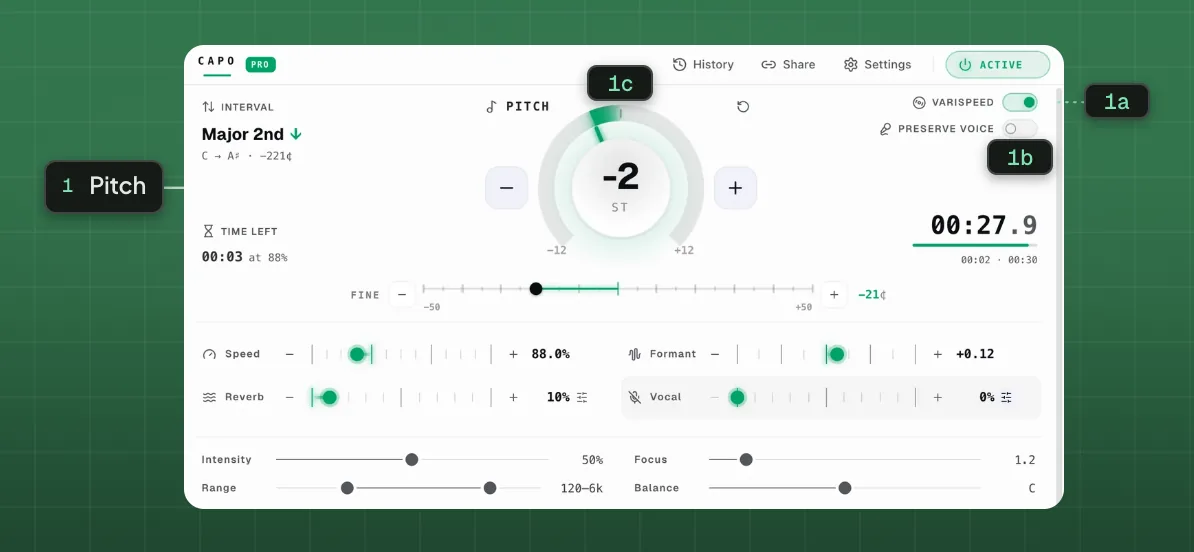
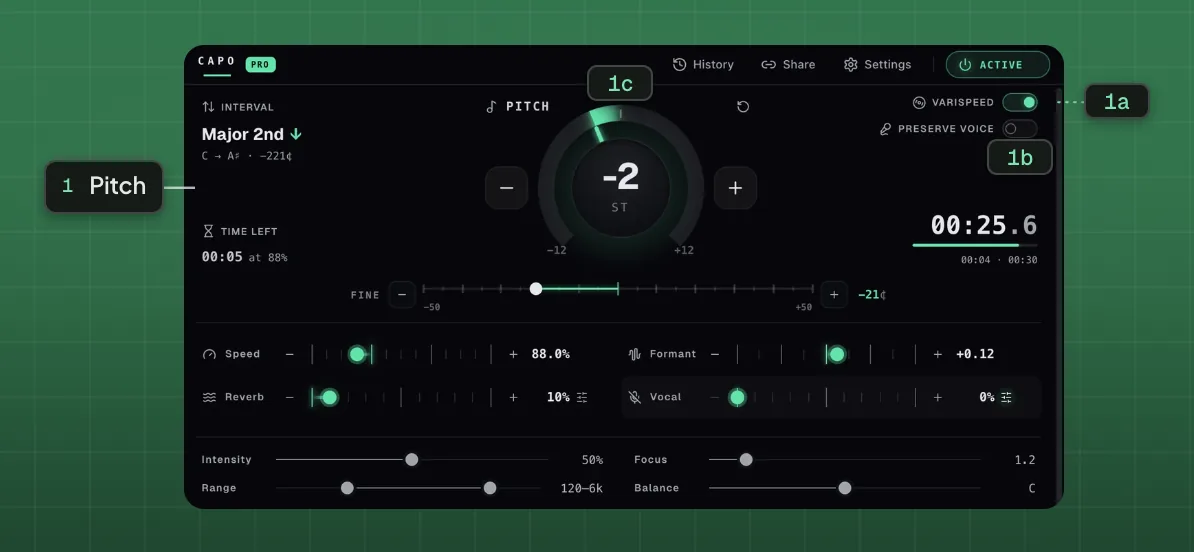
- 1Pitch
- 1aVarispeed1bPreserve voice1cSemitone dial
Varispeed runs 0.5× to 2× in very fine steps, and moves the pitch with it.
Most tracks land between 0.80× and 0.90×. Further down, the vocal starts to sound unwell rather than dreamy.
How much reverb to add
Predelay is the gap before the reverb starts. A short gap keeps the vocal intelligible while still placing it in a large space.
With no predelay the reverb smears onto the attack and the words blur.
How to avoid the generic slowed-and-reverb sound
Three adjustments separate a considered version from a default one.
Keep the mix below half. Most published versions are drowned.
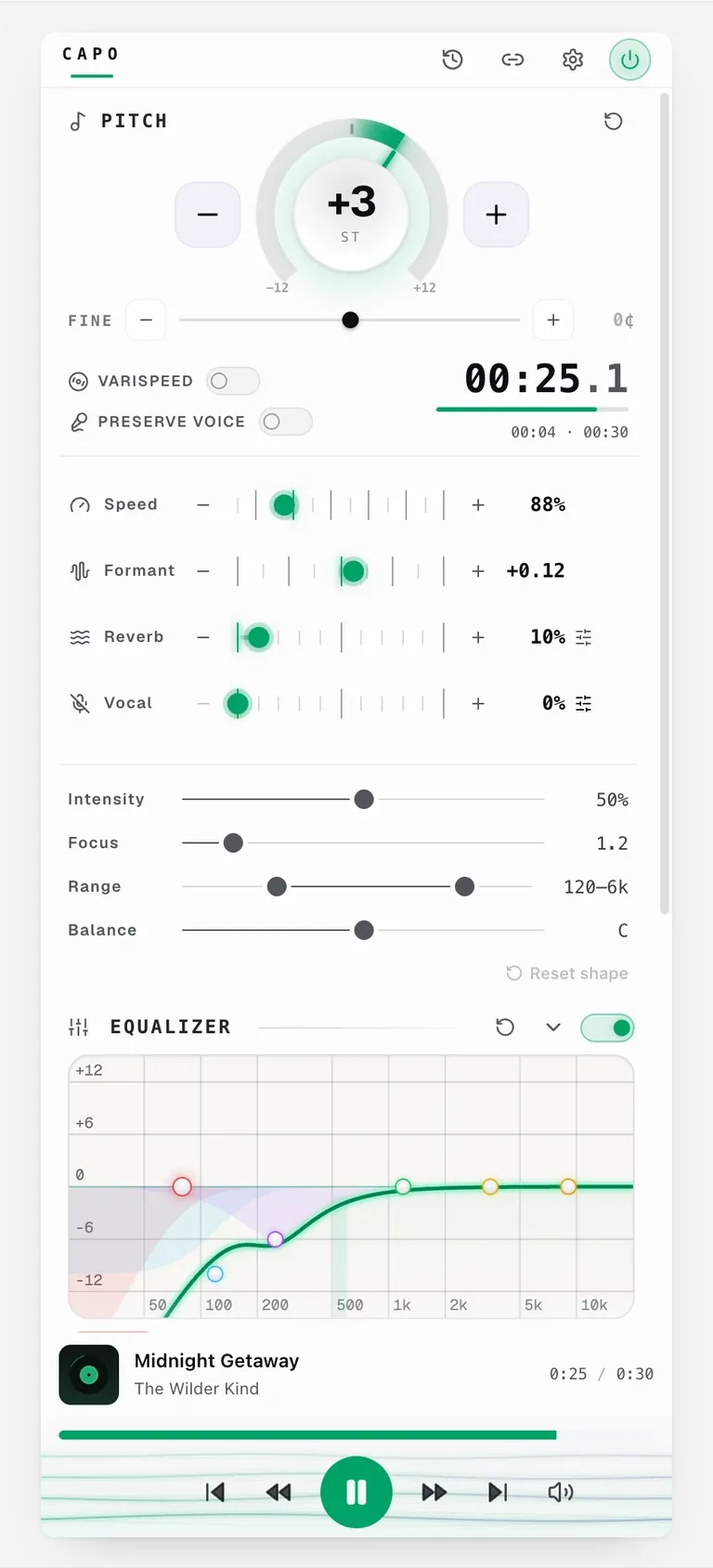
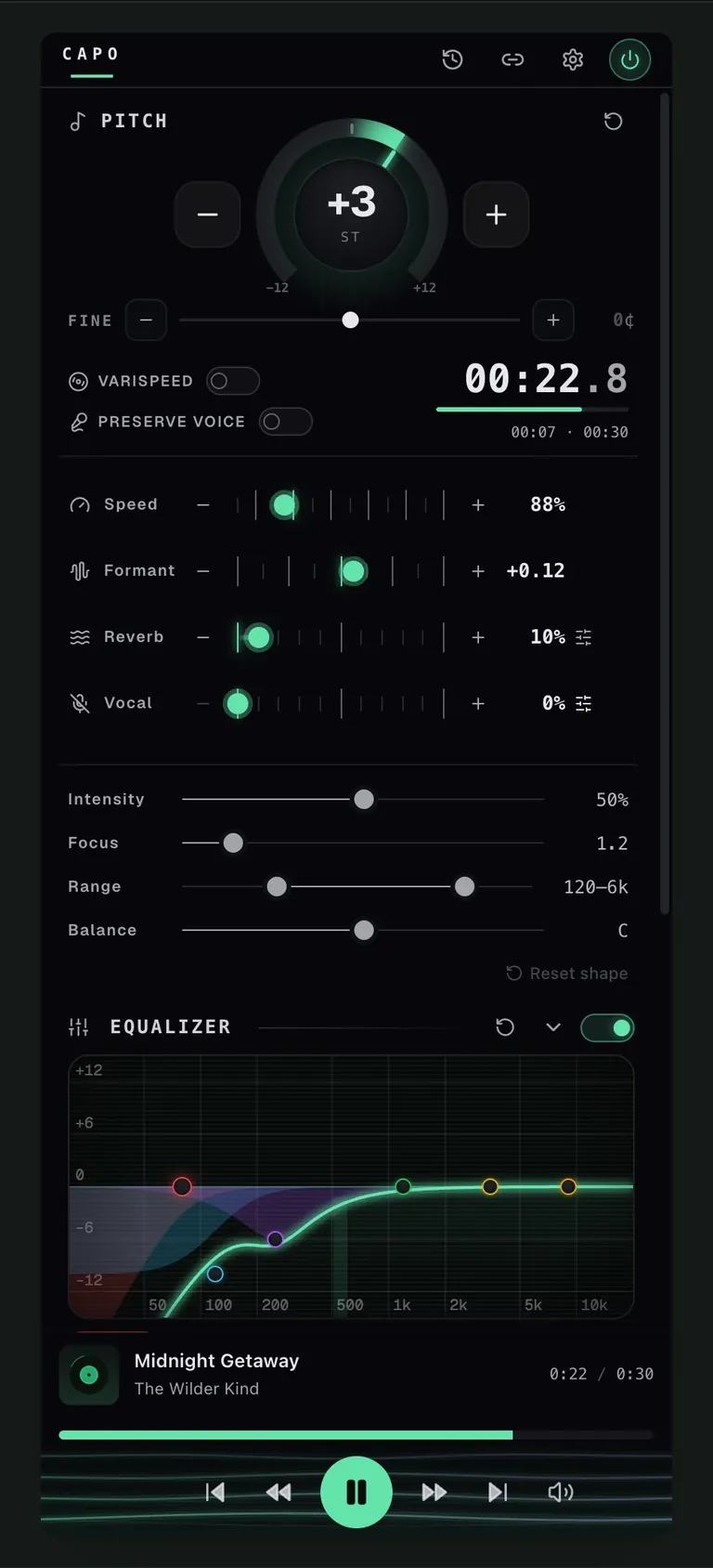
Roll off some high end with the equalizer, which is what makes the effect sound like a memory rather than a filter.
Pick a track with space in it. Dense, loud masters have nowhere for reverb to sit.
Settings that keep it from sounding like a preset
Varispeed plus a modest reverb gets most of the way there. The restraint is in the mix level, not the settings.
For nightcore, run varispeed above 1× instead. The mechanism is identical in the other direction.
Questions
Why is the normal speed control the wrong tool?
What speed should I use?
What reverb settings?
Can I export the result as a file?
Keep reading
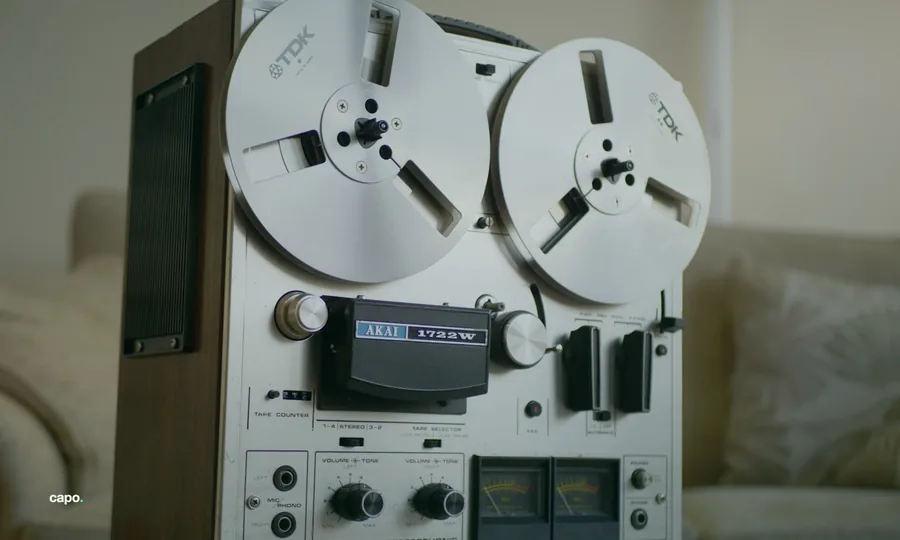
Why slowed audio sounds underwater
Slowing a tape drops the pitch. Holding the pitch steady is a harder trick, and the artefacts it leaves have a cause.

How to use an equalizer on YouTube (bass, mud and harshness)
Bass boost is why most people arrive. The equalizer does more, and muddy-sounding tracks are usually a headphone problem.
How to transpose a song to fit your vocal range
Move the song, not your voice. The hard part is not the transposition, it is keeping the singer sounding like a person.