 Capo
CapoHow to change pitch, speed and volume in your browser
Capo adds pitch, fine-tuning, speed, volume and looping controls to any audio or video playing in a browser tab. Press play first, then open it from the toolbar. Pitch and speed are independent, so changing the key does not change the tempo.
- Press play on any tab, then click the Capo icon.
- Move Pitch in semitones, or Fine in cents.
- Pull Speed down, and set an A–B loop.
Capo attaches to whatever audio or video is playing in a tab and gives you five controls over it.
The important property is that pitch and speed are independent. Almost every other way of slowing audio also drops the pitch.
This guide covers each free control in the order you are likely to meet it.
Key takeaways
- Press play before opening the popup. This catches almost everyone once.
- Pitch moves in semitones, ±12 by default, widening to ±48 in Settings.
- Fine covers ±50 cents, the gap whole semitones leave behind.
- Speed runs 0.25× to 3×, widening to 8×, in 1% steps.
- Settings are saved against the track itself — the URL is only a fallback — so a song reopens as you left it.
Where is Capo after you install it?
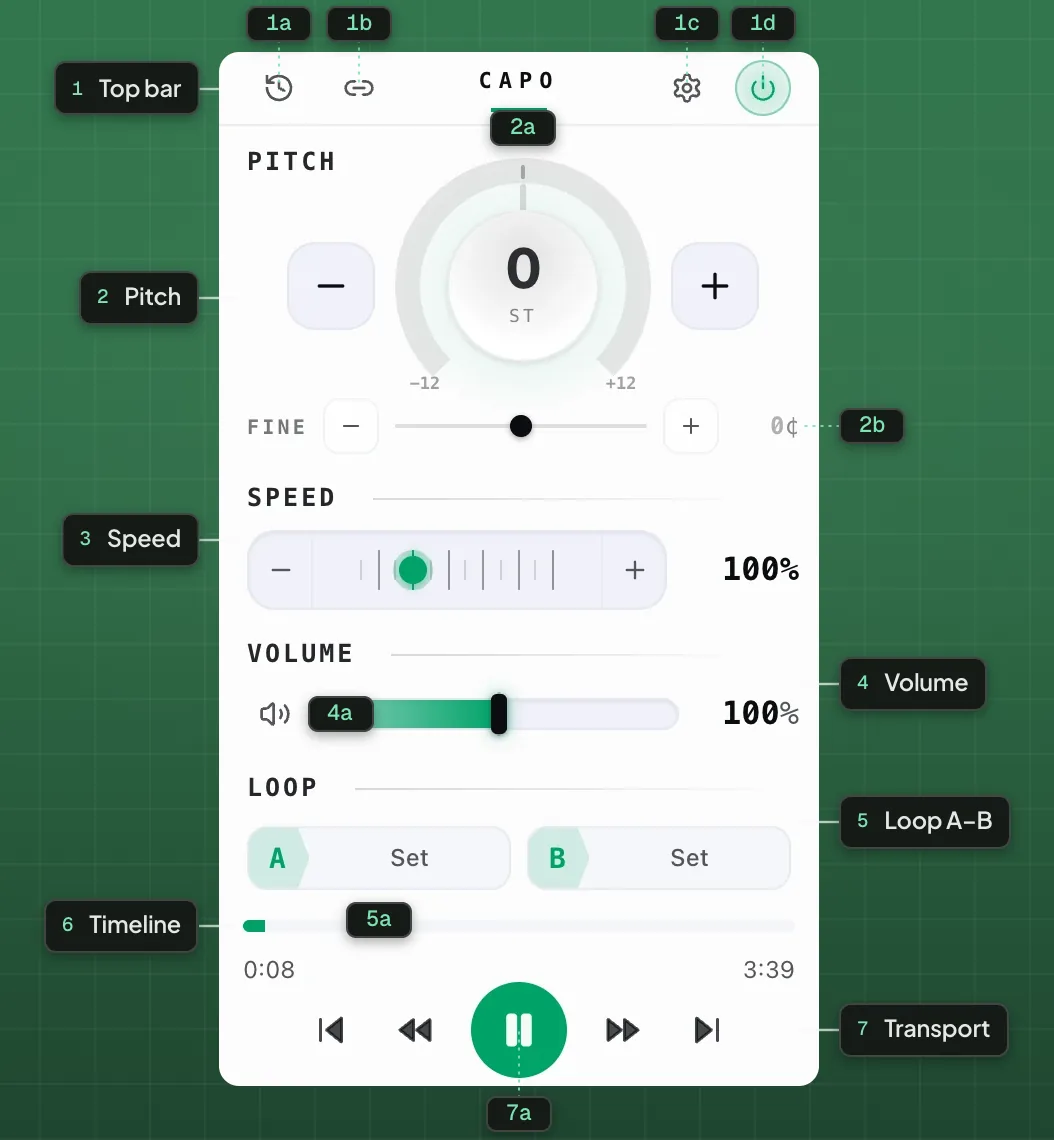
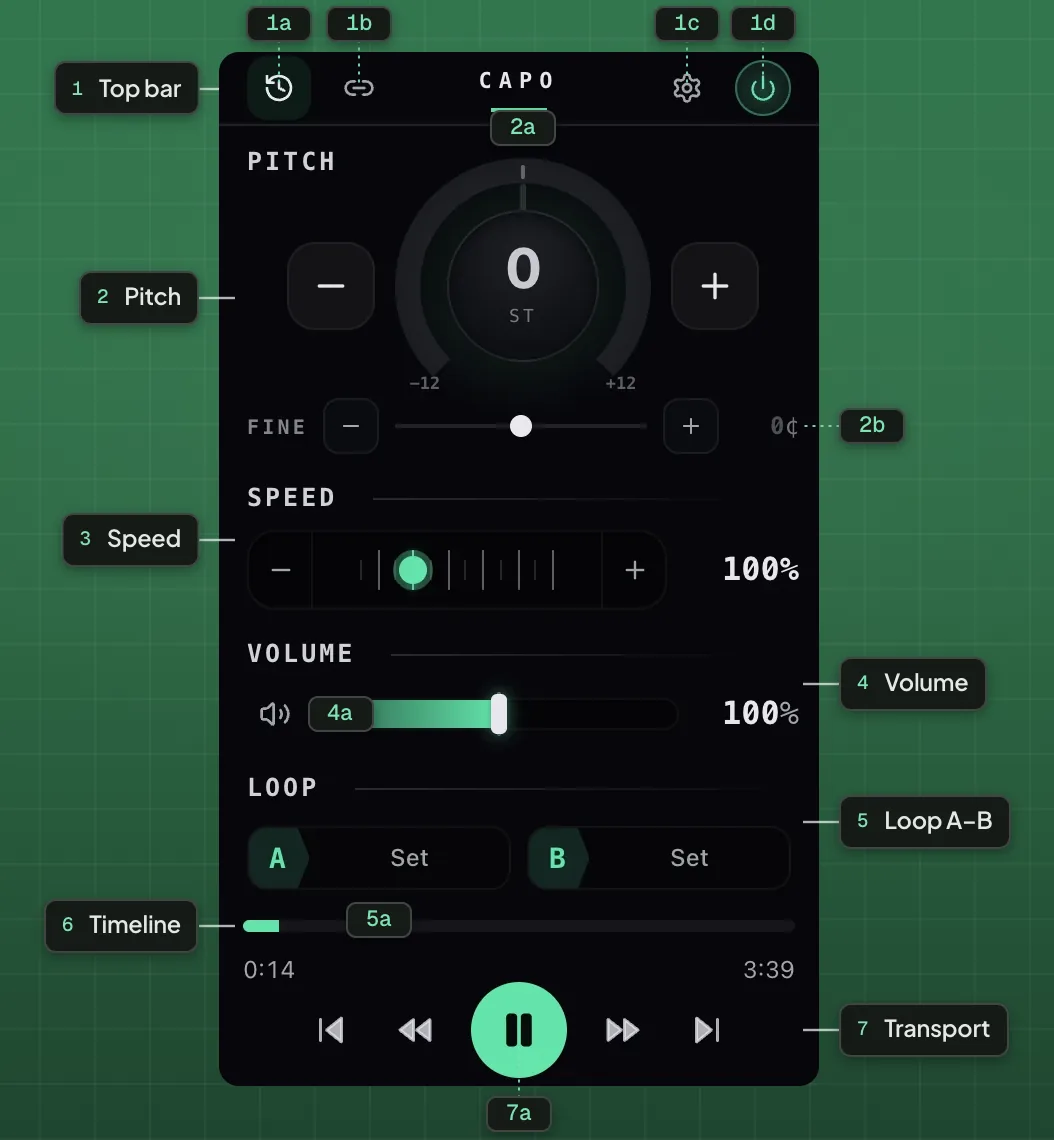
- 1Top bar
- 1aHistory1bShare1cSettings1dPower on / off
- 2Pitch
- 2aSemitone dial2bFine tune
- 3Speed
- 4Volume
- 4aMute
- 5Loop A–B
- 5aA / B points
- 6Timeline
- 7Transport
- 7aPlay / Pause
Capo lives in the browser toolbar and nowhere else. It does not alter the pages you visit.
Press play first. Capo binds to media when it starts producing sound, so a paused video reports that nothing is playing.
The badge on the icon shows the current pitch offset, so you can see from the toolbar whether a tab is being processed.
How to change the pitch of a song
Each step on the dial is one semitone, the distance between two adjacent piano keys. Twelve make an octave.
The tempo does not move with it. A track shifted up three semitones still takes exactly as long to play.
If a guitar lesson sounds subtly sour, try −1 first. A great many rock records were tracked a half step down.
Full detail in changing the pitch on YouTube, and the reasoning behind the range in why the dial stops at twelve.
How to fine-tune pitch in cents
Fine covers ±50 cents, where a cent is one hundredth of a semitone.
Use it when a recording is not at concert pitch, rather than retuning your instrument to a wrong reference. Beating explains how to hear it.
How to slow a track down
Speed is continuous rather than stepped, so you can sit at 0.62× instead of choosing between 0.5× and 0.75×.
For learning a part, 0.6× to 0.8× is the working window. See slowing a video down and why slowed audio sounds underwater.
How to loop a section of a song
Set A at the start of a phrase and B at the end. The count-in in Settings gives you a beat to prepare in — it ships switched off, and once enabled its duration defaults to 3 s.
Narrowing the loop is the highest-value practice habit there is. The bar you keep missing covers the method.
How to boost volume past 100%
Volume goes to 300%, widening to 600% in Settings. This is for recordings that were mastered too quietly, not for making loud things louder.
What to try first
Those five controls are the entire free product, and they cover most practice work.
The Pro workspace adds an equalizer, effects, markers and clips. Start with the free controls and upgrade only if you hit their limits.
質問
Is Capo free?
Where is Capo after I install it?
Does changing pitch change the speed?
Are my settings remembered?
Which sites does it work on?
続きを読む
How to change the pitch of a YouTube video
Shift any video up or down in semitones without touching the speed, on the player you already use. Free, and nothing is uploaded.
How to slow down a YouTube video without changing the pitch
Take any video down to a quarter speed to learn from it, while the pitch stays exactly where it was.
Capo free vs Pro: what you keep after you close the tab
The free controls are not a trial. This sets out exactly where the line falls and who genuinely needs the workspace.