 Capo
CapoHow to change the pitch and speed of a SoundCloud track
SoundCloud gives you playback and nothing else: no key control, no fine speed, no looping. Capo adds all three to the tab you are already on, in semitones for pitch and in hundredths for speed, and it holds the pitch steady when you slow a track down.
- Play a track on soundcloud.com.
- Open Capo and move the pitch dial by semitones.
- Pull the speed down; the pitch stays where it was.
SoundCloud is where a lot of music exists only as a stream — remixes, demos, DJ sets, beats that were never released anywhere else. It is also where you are most likely to want to slow something down, because a lot of it was never transcribed by anyone.
Pitch in semitones, not a vague slider
Capo moves pitch in whole semitones by default, which is the unit that actually matters if you are playing along: down two semitones is down a whole step, and your fingering moves with it. Fine tuning covers the ±50 cents in between for tracks that were not recorded at concert pitch.
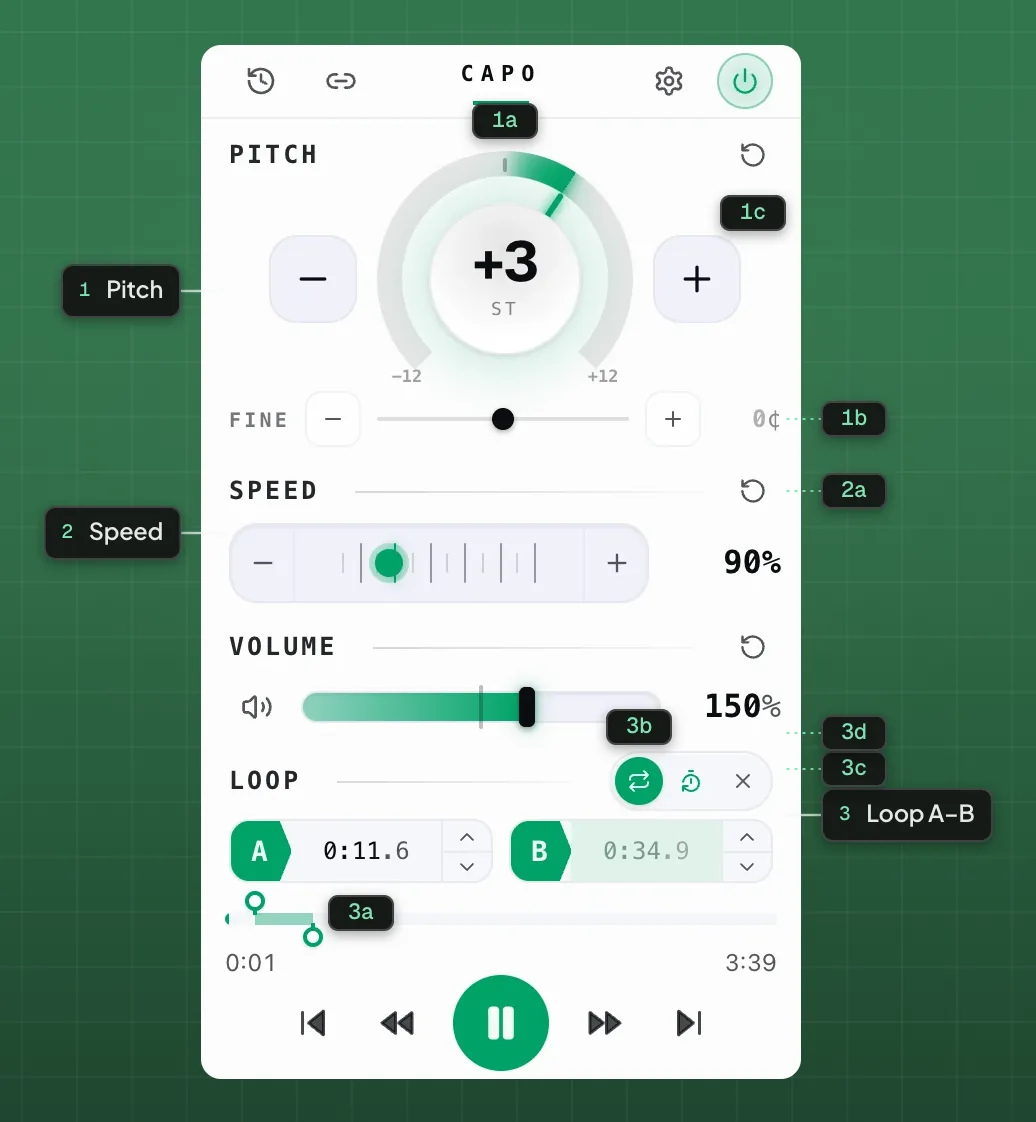
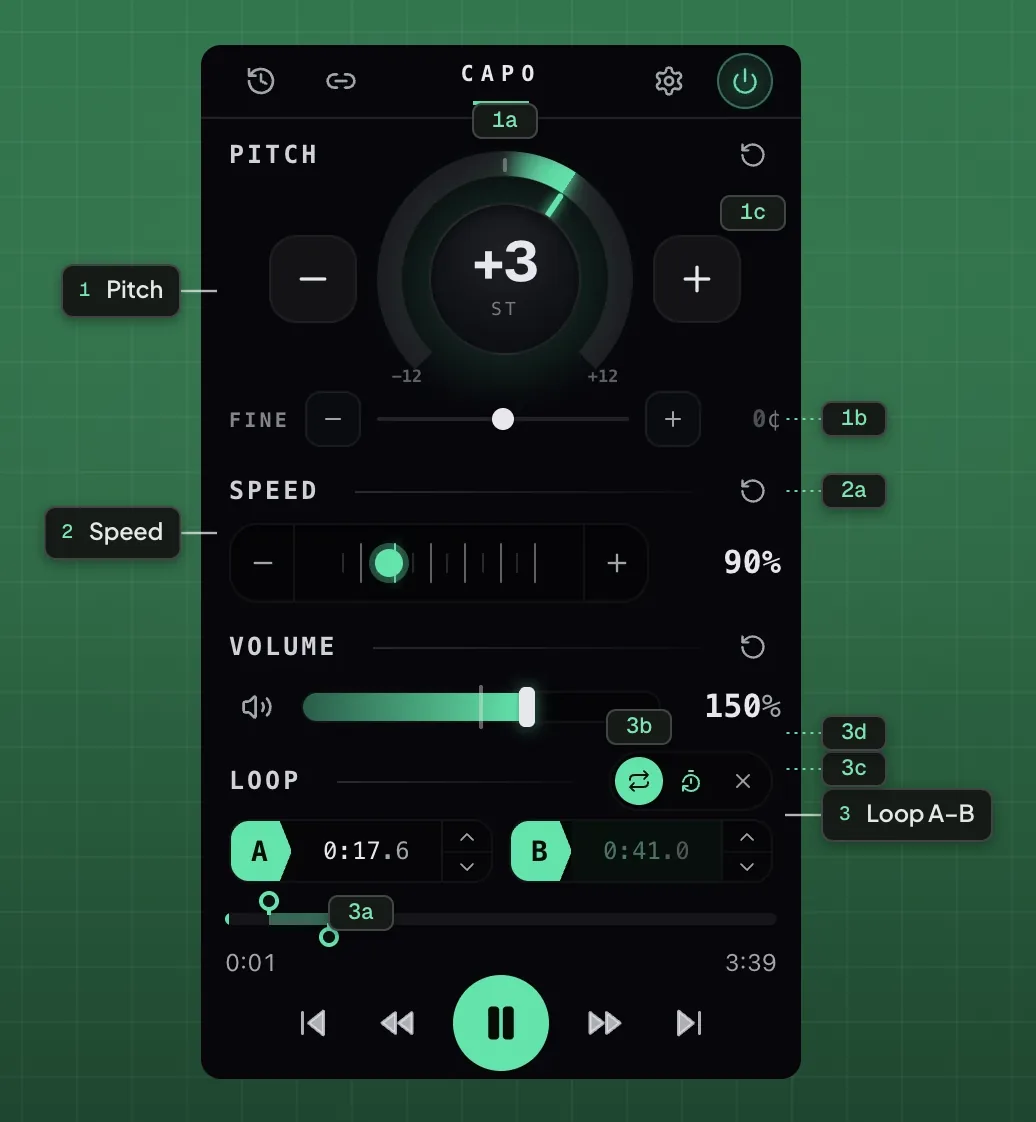
- 1Pitch
- 1aSemitone dial1bFine tune1cReset pitch
- 2Speed
- 2aReset speed
- 3Loop A–B
- 3aA / B points3bLoop on / off3cCount-in3dClear
Slowing a set down without the pitch dropping
Speed runs from 0.25× to 3×, and pitch stays put the whole way. That is the difference between slowing a DJ mix to work out a transition and slowing it into a droning mess. Below about 0.5× you will start to hear the time-stretching work; above 0.8× it is effectively transparent.
Private and unlisted tracks
Capo works on whatever the tab is playing, so an unlisted or private track you have access to behaves like any other. Nothing about it is sent anywhere — the processing happens in your browser and there is no upload step at any point.
Slow a SoundCloud track down, in tune.
Free · on-deviceTwo things it cannot do
It cannot download the track, and it cannot separate the stems. It can pull the lead vocal down on many mixes, which is a different and less reliable thing — covered in removing vocals from a song.
Questions
Can you change the pitch of a SoundCloud track?
How do I slow down a SoundCloud track without changing the pitch?
Does it work on private or unlisted tracks?
Can I loop part of a track?
Does Capo download SoundCloud tracks?
Keep reading

How to transpose a Bandcamp track to a different key
Bandcamp streams full tracks before you buy. Capo adds the key and speed controls the player does not have.

How to learn a song by ear without naming a single note
You do not need perfect pitch or theory. You need a slow loop, one string, and a way of asking the recording yes-or-no questions.

Every site Capo works on, and the handful it cannot
Anything with HTML5 audio or video, plus per-site track detection on ten services. And the real limits.