 Capo
CapoHow to slow down a TikTok video and keep the pitch normal
TikTok has no playback speed control in the browser, which is a problem when the thing you want to copy — a dance count, a guitar lick, a recipe step — goes past in two seconds. Capo slows the tab down to 0.25× while holding the pitch, and loops the part you care about.
- Open the video on tiktok.com in a browser tab.
- Pull Capo’s speed down to 0.5× or lower.
- Set an A–B loop on the moment you are copying.
Short video is the worst possible format for learning something and the most common place people try. The clip is eight seconds, the thing you need happens in one of them, and the player gives you no way to slow it down or repeat it.
Slow it without the voice dropping
Slowing video the ordinary way drags the audio down with it. Capo holds pitch and speed apart, so a clip at half speed still sounds like the same person talking slowly. That matters when the audio is the instruction.
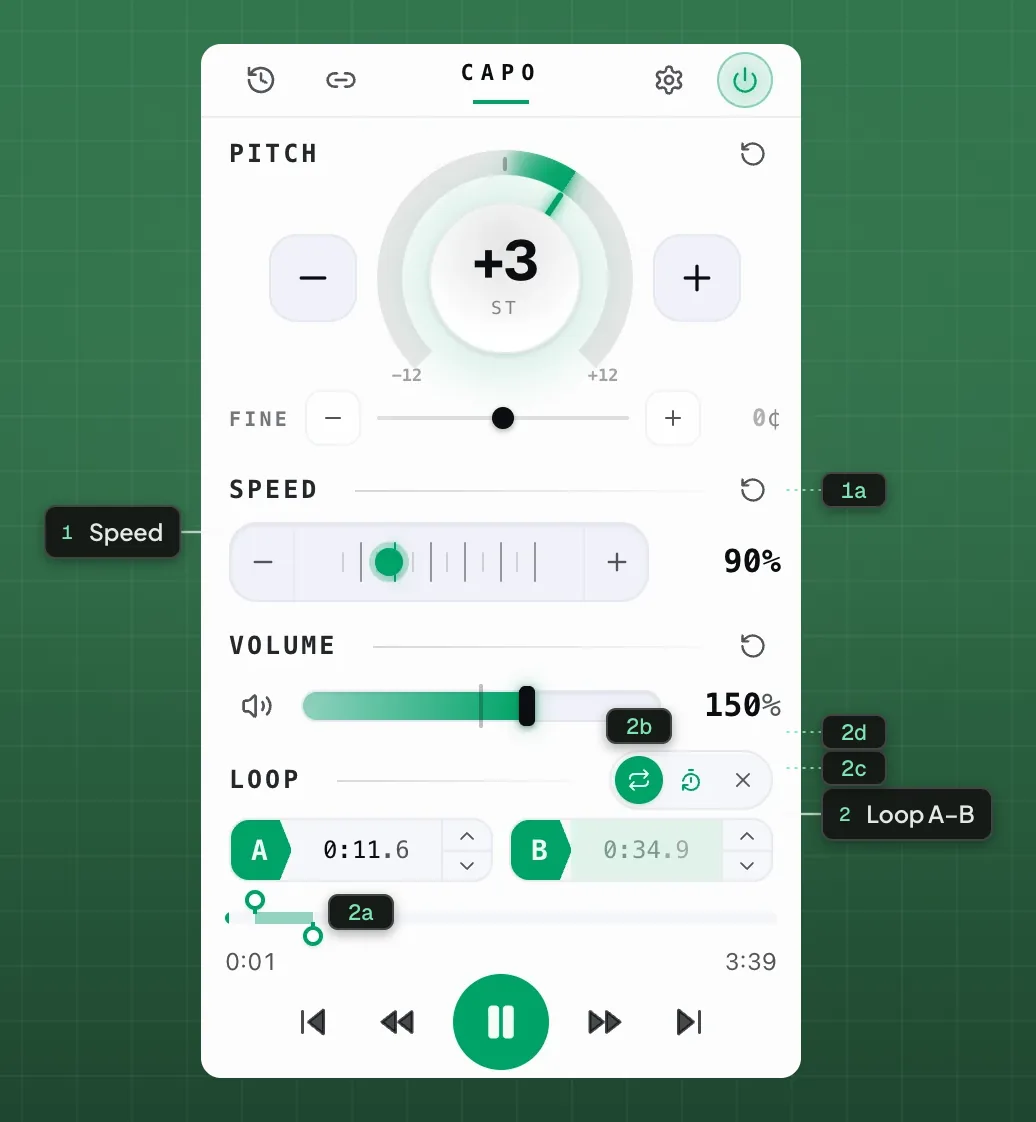
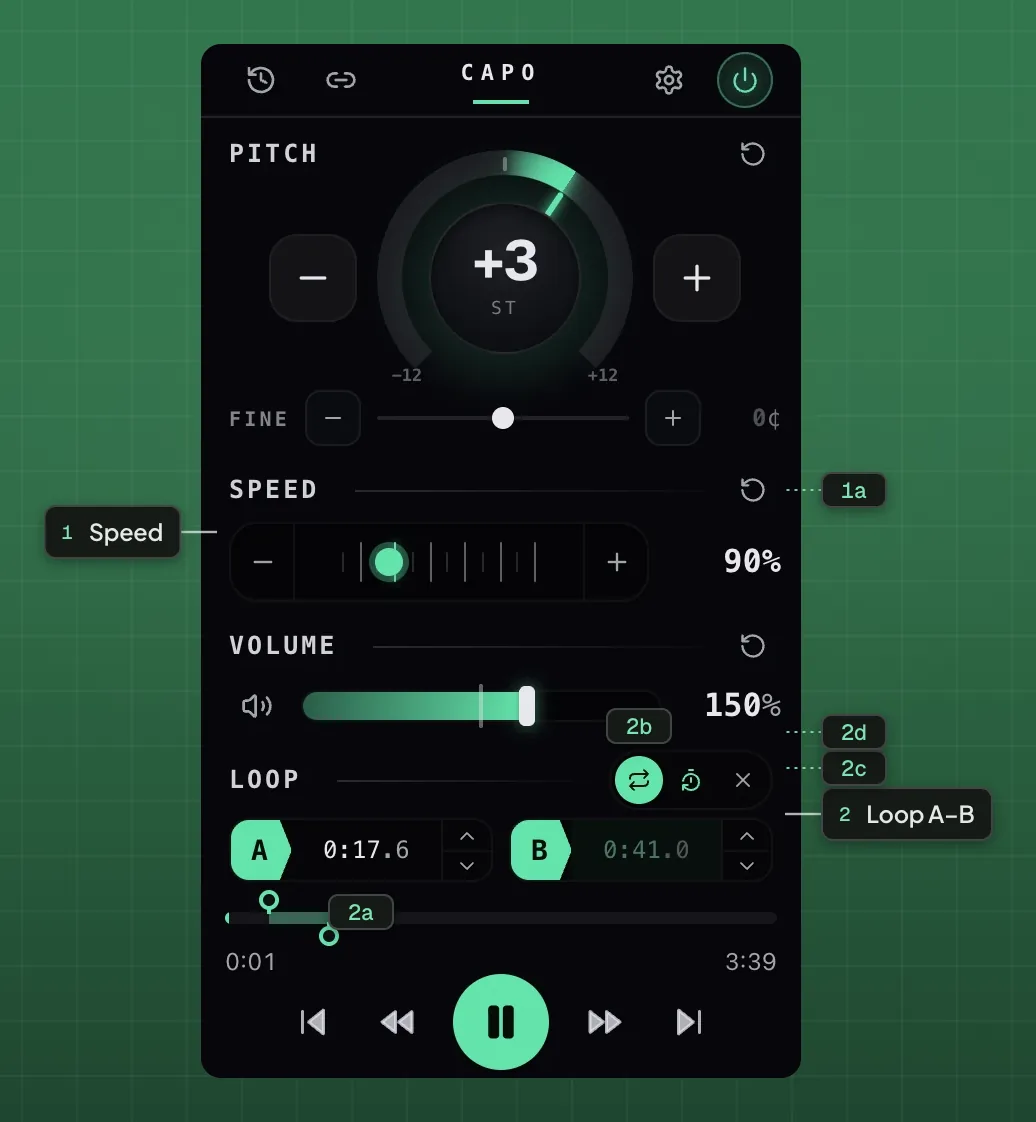
- 1Speed
- 1aReset speed
- 2Loop A–B
- 2aA / B points2bLoop on / off2cCount-in2dClear
Loop the one second that matters
An A–B loop on a short clip is close to a frame-by-frame tool. Set the two points around the movement or the phrase, drop the speed, and let it repeat while you copy it. On a clip this short the loop is usually under two seconds wide.
Speeding up works too
The same control runs to 3×, which is occasionally what you want on a long-form clip where someone is taking their time getting to the point.
Slow any clip down, in tune.
Free · works on any site with soundWhere it stops
Capo cannot download the video, cannot slow the app, and cannot do anything about a clip that is not playing in the tab.
Questions
Can you slow down a TikTok video?
Does it work in the TikTok app?
Can I loop a couple of seconds of a clip?
Does slowing it down make the audio sound deep?
Can Capo download a TikTok video?
Keep reading
How to slow down a YouTube video without changing the pitch
Take any video down to a quarter speed to learn from it, while the pitch stays exactly where it was.
The bar you keep missing is usually one beat
Looping a whole phrase means drilling the part you can already play. Narrow it until it fails again and the fault is a second long.
Every site Capo works on, and the handful it cannot
Anything with HTML5 audio or video, plus per-site track detection on ten services. And the real limits.