 Capo
CapoCapo keyboard shortcuts: the full list and how to rebind
Capo has shortcuts on three surfaces: the page, the popup and the workspace. Every action ships with a default key, and all of them are rebindable in Settings. Page-level shortcuts work with the video focused, which means you never open the popup.
- Defaults ship in both scopes: plain keys in the popup, Alt combos on the page.
- Popup: keys for the controls while it is open.
- Workspace: markers, clips and the loop.
Reaching for a mouse mid-phrase is the fastest way to lose a practice loop. Shortcuts exist so you do not have to.
Key takeaways
- Every action ships with a default key in both scopes — plain keys such as Space, the arrows and V in the popup, Alt combos such as Alt+↑/↓ and Alt+V on the page. Only page-level play/pause and seek start unbound.
- Page-level shortcuts work with the video focused, no popup needed.
- Every binding is edited inside Capo, in Settings → Keyboard shortcuts.
- They cannot work on
chrome://pages, where extensions do not run.
Page-level keyboard shortcuts
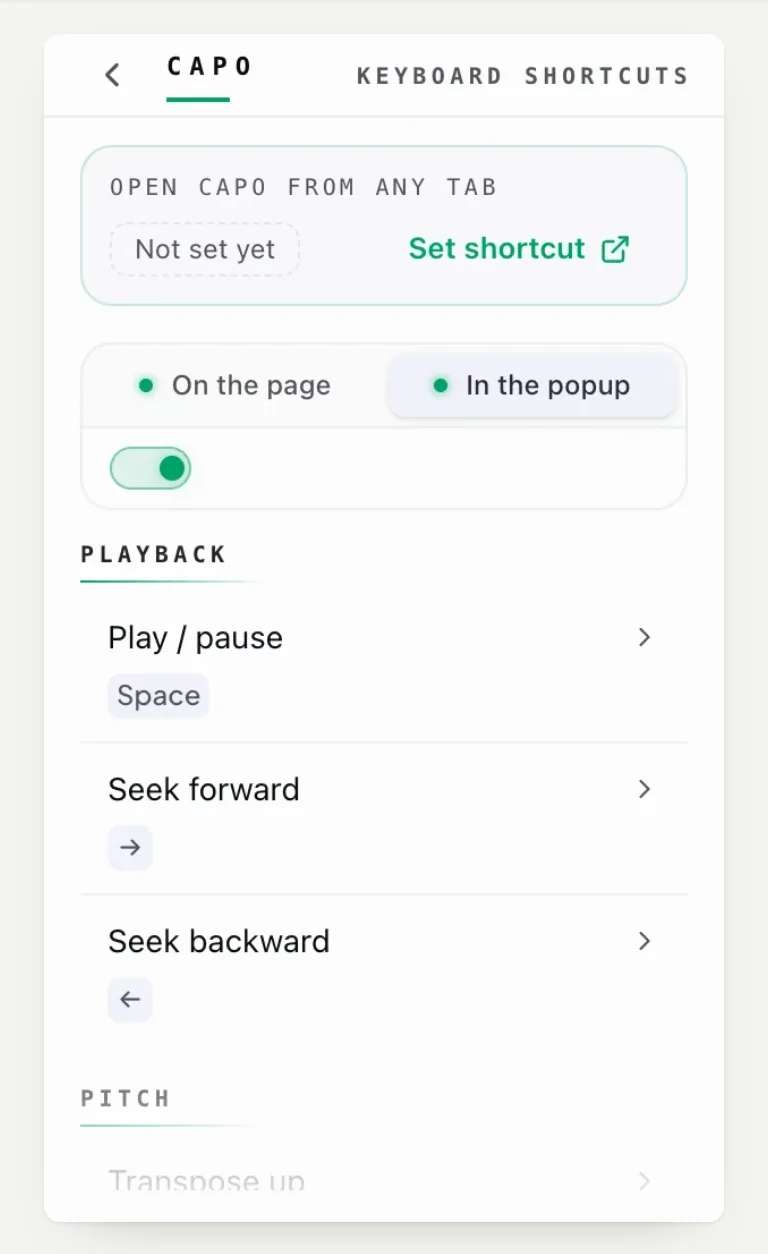
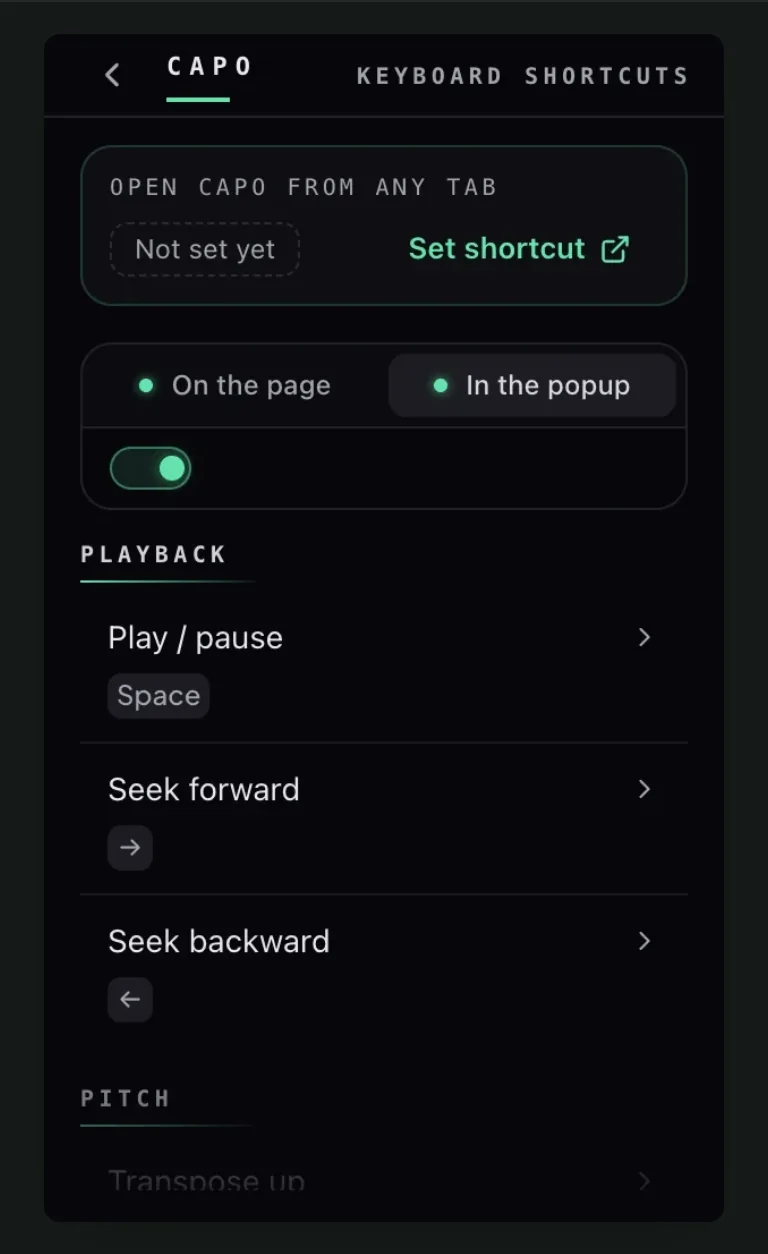
Open the list from the popup. The defaults are already in place — plain keys such as Space, the arrows and A/B while the popup is open, Alt combos such as Alt+A/B and Alt+↑/↓ on the page. Only page-level playback — play/pause and seeking on the page — ships unbound, so assign those if you want them.
Each action can be scoped to the page or to the popup, using the toggle at the top of the list.
Page-level shortcuts work while the video has focus, which is the whole point of them.
Workspace keyboard shortcuts
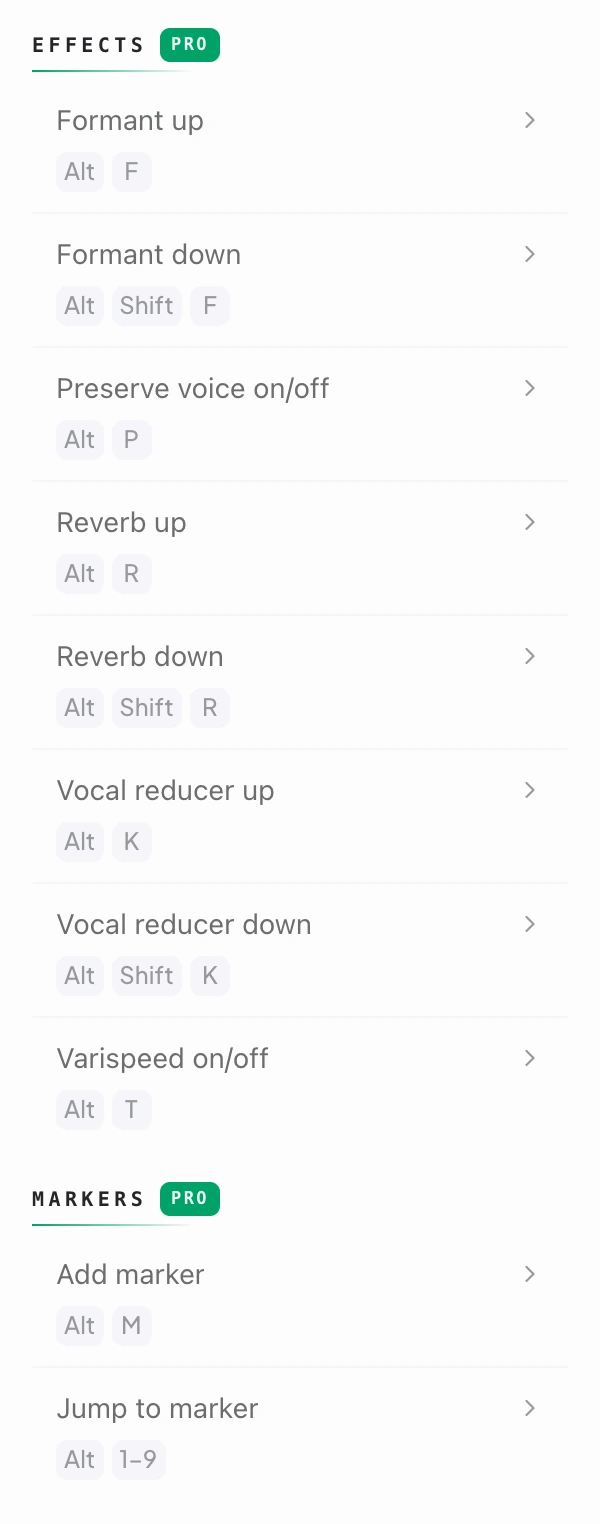
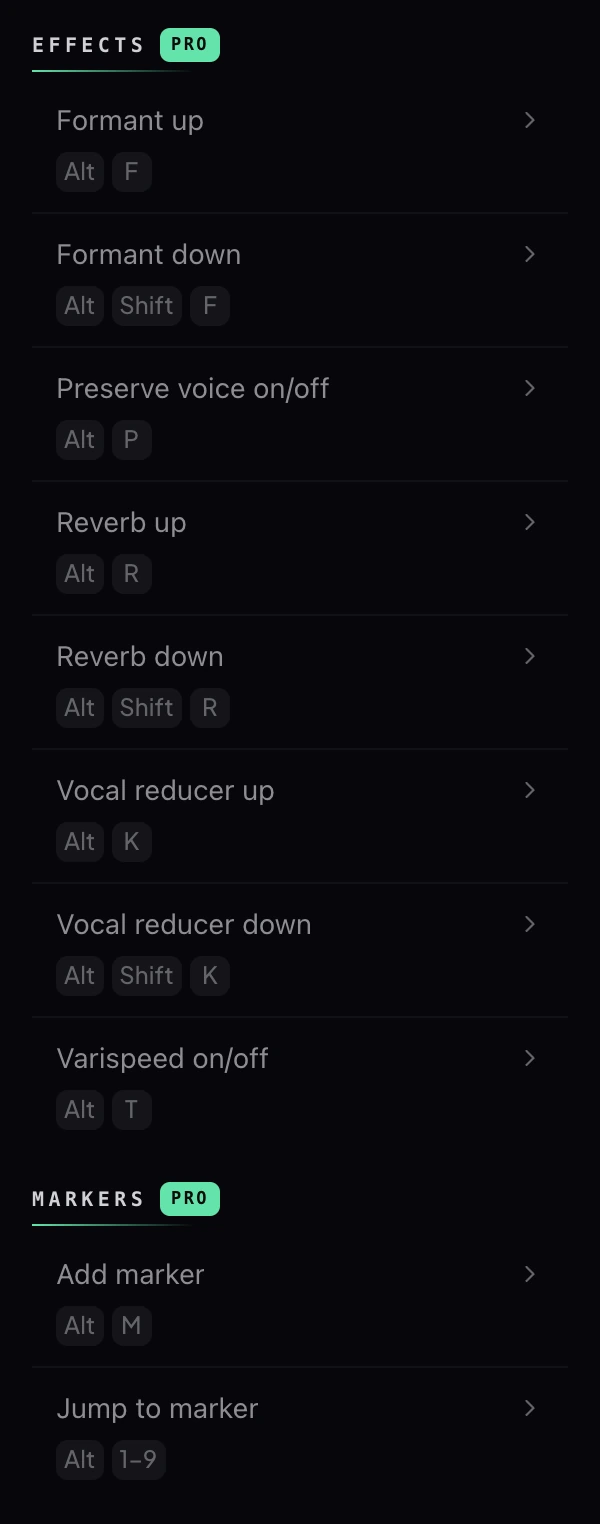
The workspace adds formant, preserve voice, reverb, vocal reducer, varispeed and marker controls to the same system.
How to rebind a Capo shortcut
Every binding is edited inside Capo: open the popup, then Settings → Keyboard shortcuts. The one exception is the browser-level key that opens Capo itself, which lives on the browser’s extension shortcuts page and ships with no default.
If a shortcut does nothing, check the page is not a browser settings page and that Capo is attached to the tab.
The two shortcuts worth memorising
Learn two: transpose up and transpose down. Those two cover most of what people open the popup for.
For an even faster route, the right-click menu carries nine pitch presets.
Questions
Does Capo support keyboard shortcuts?
How do I rebind a shortcut?
Why does a shortcut not work on this page?
Keep reading
How to change pitch and speed from the right-click menu
Nine pitch presets and six speeds, without opening the popup. This covers what is in the menu and why volume is deliberately absent.
How to change pitch, speed and volume in your browser
A tour of every free control in Capo: the pitch dial, fine tuning, speed, volume and the A-B loop, with what each one is for.
The bar you keep missing is usually one beat
Looping a whole phrase means drilling the part you can already play. Narrow it until it fails again and the fault is a second long.